

Overview
ksqlDB is a powerful, SQL-like streaming engine for Apache Kafka that enables real-time data processing and transformation. Integrating ksqlDB with Condense will enable users to perform complex data transformations and aggregations on Kafka topics directly from the platform.Key Features
Real-Time Data Processing
- Execute SQL-like queries on streaming data for immediate insights.
- Supports filtering, joins, and aggregations in real time.
Stream and Table Management
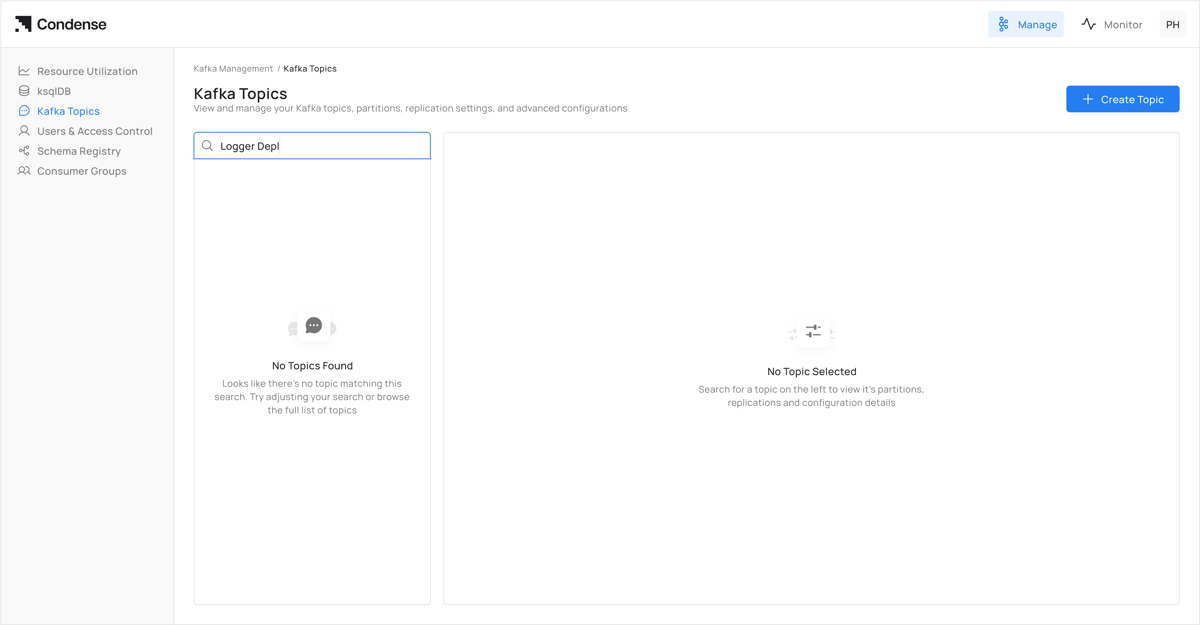
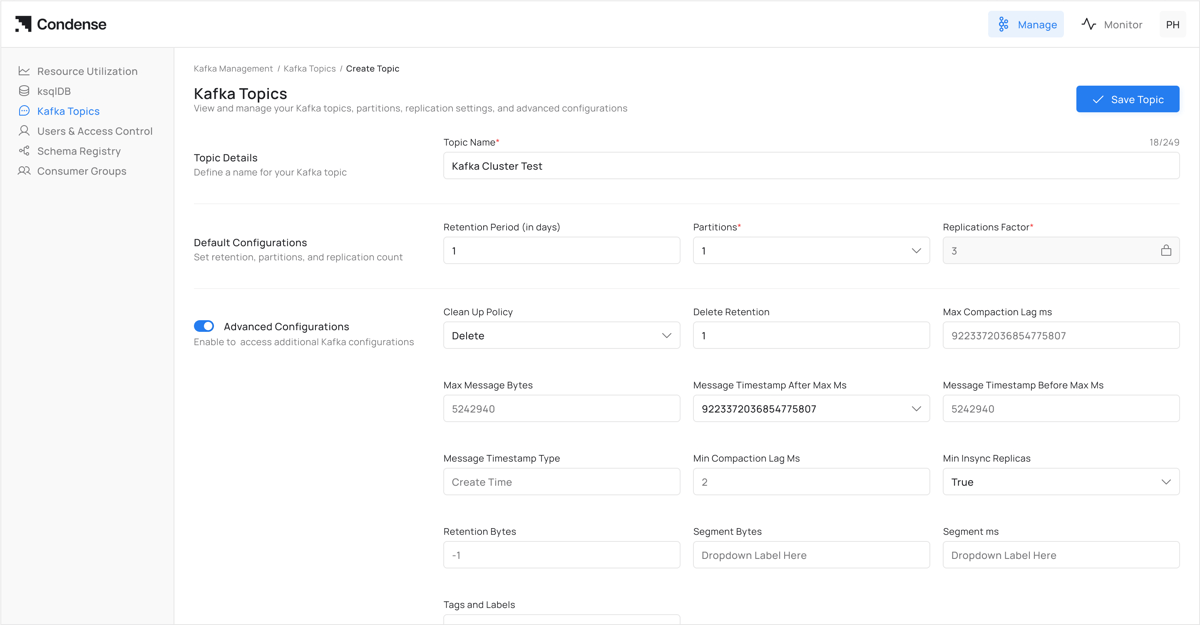
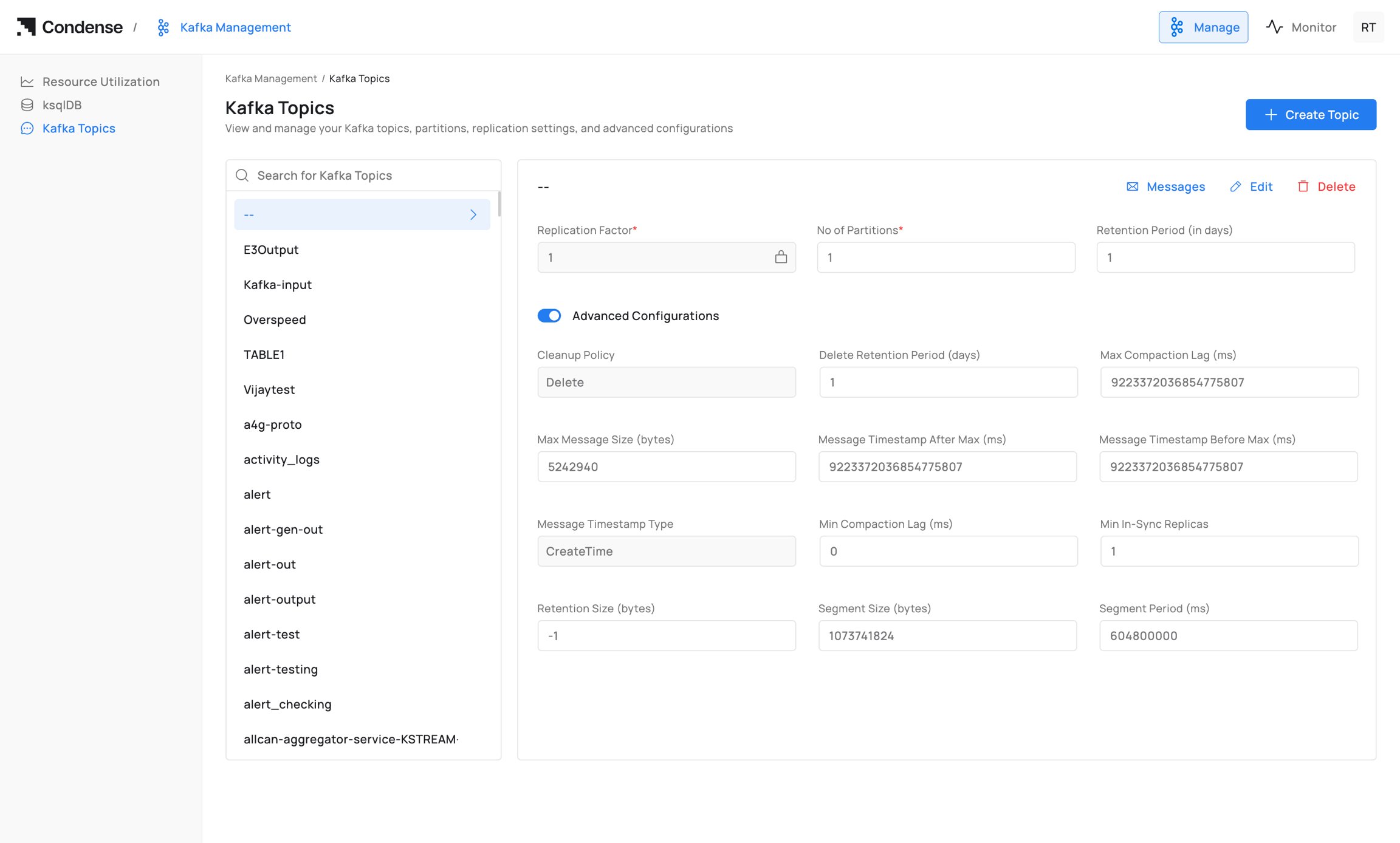
- Create, update, and delete streams and tables from Kafka topics.
- Streams for unbounded event sequences
- Tables for stateful data
Transient Queries
- Run queries that process data on the fly without storing results.
- Ideal for real-time monitoring and alerting
User-Friendly Interface
- Integrated directly into the Condense UI for seamless query execution.
- Visualise query results in real time.
Role-Based Access Control
- Admin/Developer: Full access to create and manage queries.
- Viewer: Read-only access (no KSQL permissions)
How to Use KSQL
Prerequisites
- Admin or Developer role in Condense
- Access to Kafka topics with read/write permissions
- Basic knowledge of SQL syntax
Step 1: Access KSQL Interface
- Log in to Condense with your credentials
- Navigate to KSQL from the main menu
- Select New Query to open the editor
Step 2: Create a Stream
- For processing real-time event data, in the query editor, enter your query
- Click Execute to create the stream
Step 3: Create a Table
- For stateful data, in the query editor, enter your query
- Click Execute to create the table
Step 4: Run queries
- Execute transient queries for real-time analysis
- Click Execute to execute and view real-time results
Step 5: Monitor & Troubleshoot
Review Error Logs:- Access logs below the query editor
- Common issues: topic permissions, schema mismatches
Frequently Asked Questions (FAQs)
Q1: What is RBAC in KSQL?
RBAC (Role-Based Access Control) restricts access based on predefined user roles:- Admin: Full create/edit/delete permissions
- Developer: Create/edit permissions
- Viewer: Read-only access (no KSQL access in initial release)
This information may be updated or revised in the future
Q2: Can we allow KSQL to read from some topics but not others?
- Grant the user “Developer” or “Admin” role in RBAC
- Ensure ACLs allow topic creation permissions