

Launch the Product Tour
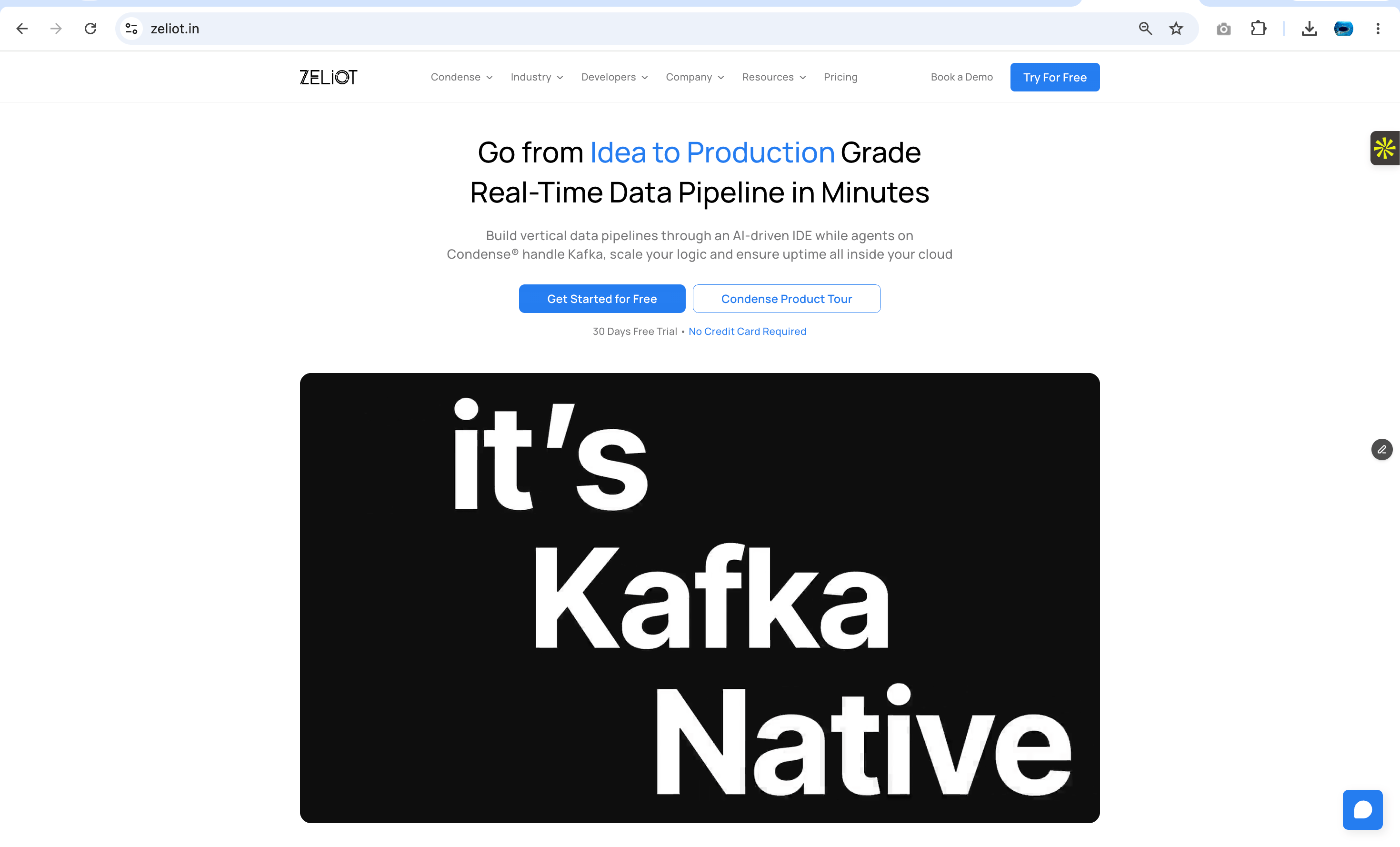
Select Condense Product Tour from the Zeliot website. A guest session is created automatically and the demonstration environment opens with pre-configured workspaces. A guided walkthrough introduces the platform and highlights the available capabilities. No account or credit card is required.Note: The Product Tour is a shared environment designed for evaluation. Administrative operations and deployment actions are intentionally restricted.
Explore Workspaces
Workspaces provide isolated environments for organizing streaming applications and related resources. Each workspace in the Product Tour demonstrates a real-world use case, allowing you to understand how different streaming solutions are structured. Open any available workspace to begin exploring its pipelines, connectors, transforms, and applications.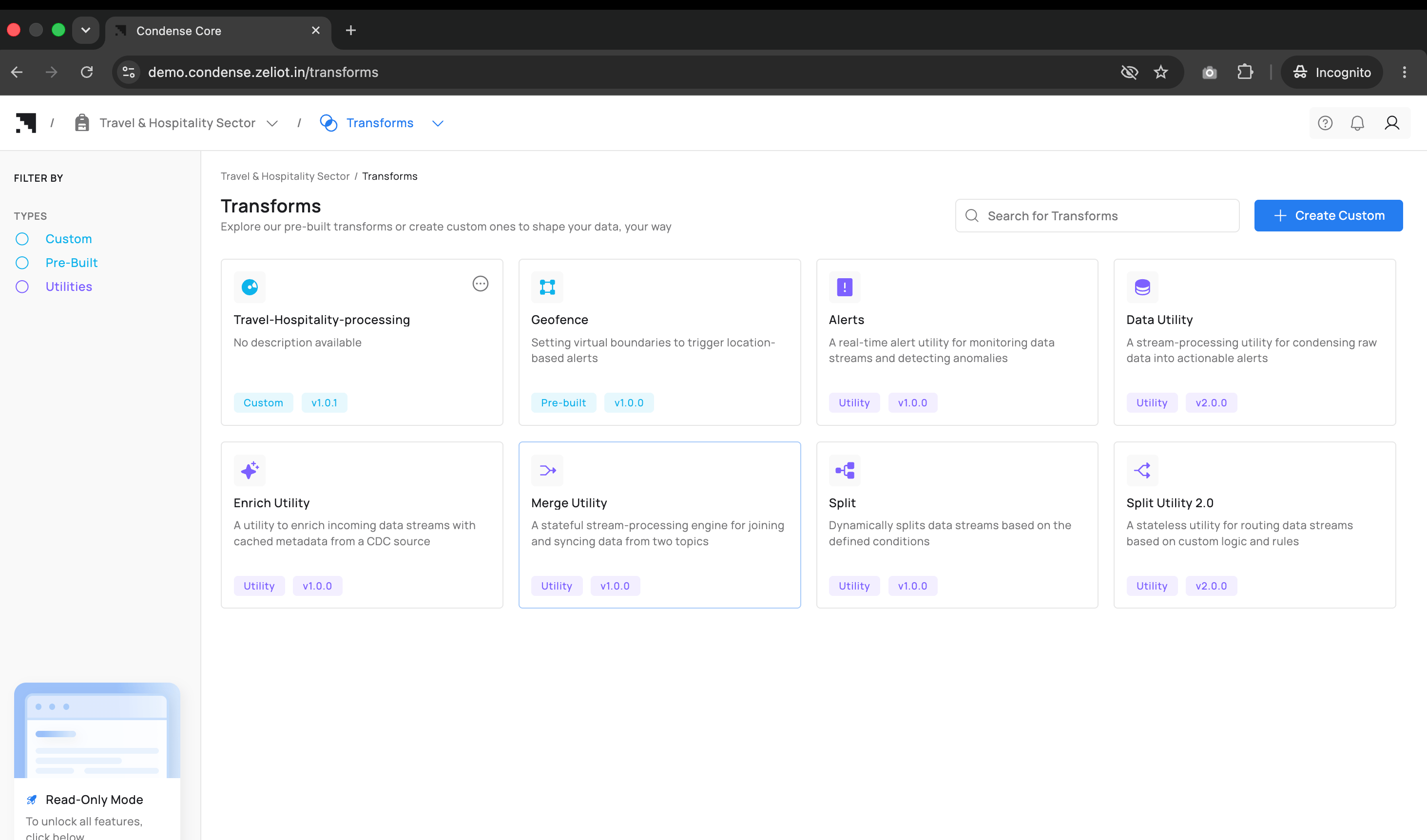
Understand Streaming Pipelines
Pipelines define how streaming data moves through Condense. They connect data sources, processing logic, and destination systems into a single execution flow. Open any sample pipeline to understand how these components work together. Select an individual node to review its configuration, runtime status, resource utilization, environment variables, and execution logs. Use the Product Tour to understand how connectors, transforms, and applications interact within a complete streaming workflow.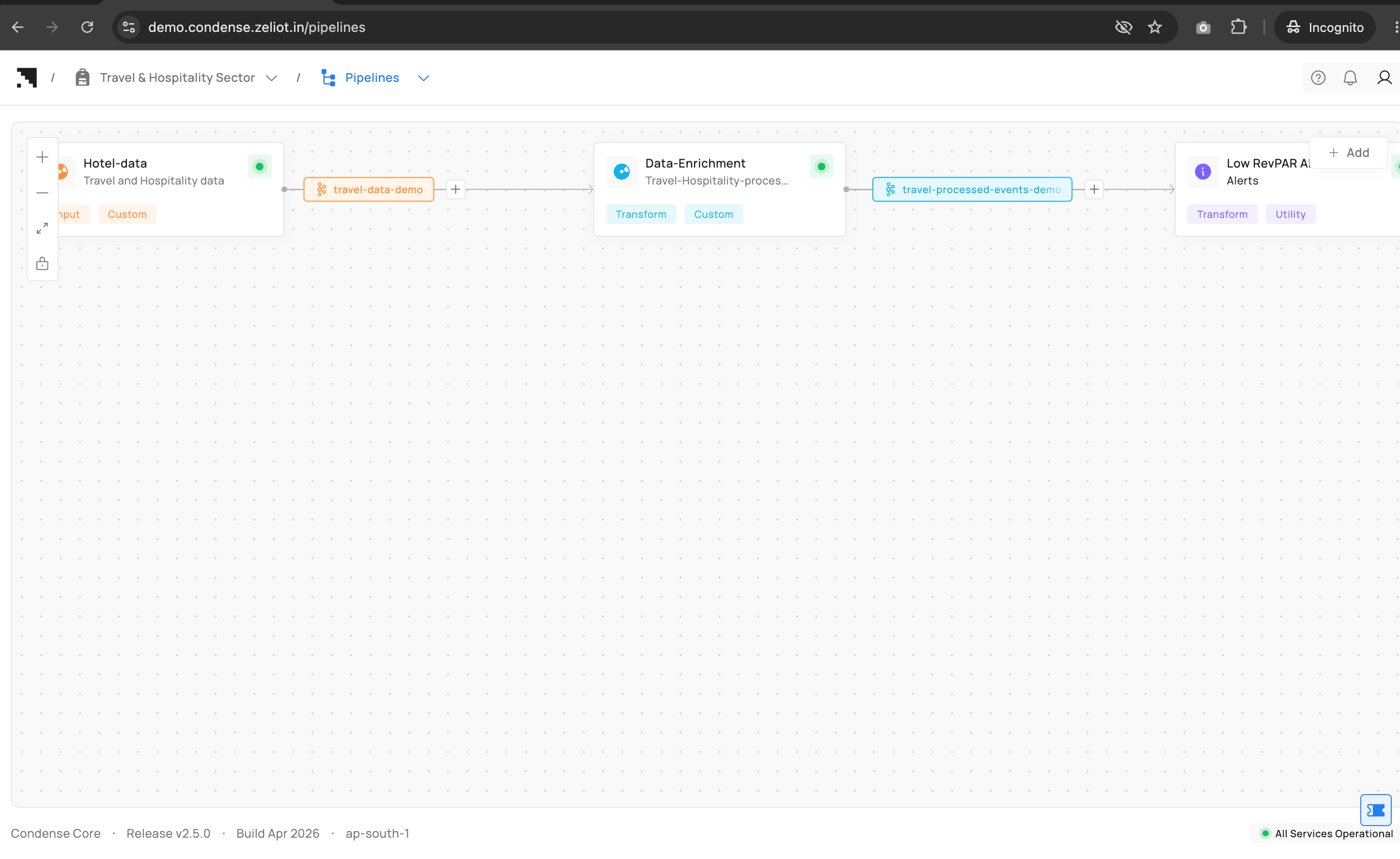
Review Available Connectors
Connectors integrate external systems with Condense and serve as the entry and exit points for streaming data. Open the Connectors page to review the available connector catalog. Select any connector to inspect its configuration, supported settings, documentation, and runtime information. You can also test connector connectivity and review available versions. Deployment actions are disabled in the Product Tour.Explore Stream Processing
Transforms process data between stages of a streaming pipeline. Each transform performs a specific processing task, such as filtering, enriching, routing, aggregating, splitting, or merging streaming events before they are delivered to downstream systems. Open Transforms to explore the available catalog of pre-built transforms and utilities. Select any transform to review its configuration, environment variables, supported versions, and documentation, and understand how it is used within a streaming pipeline.Experience Application Development
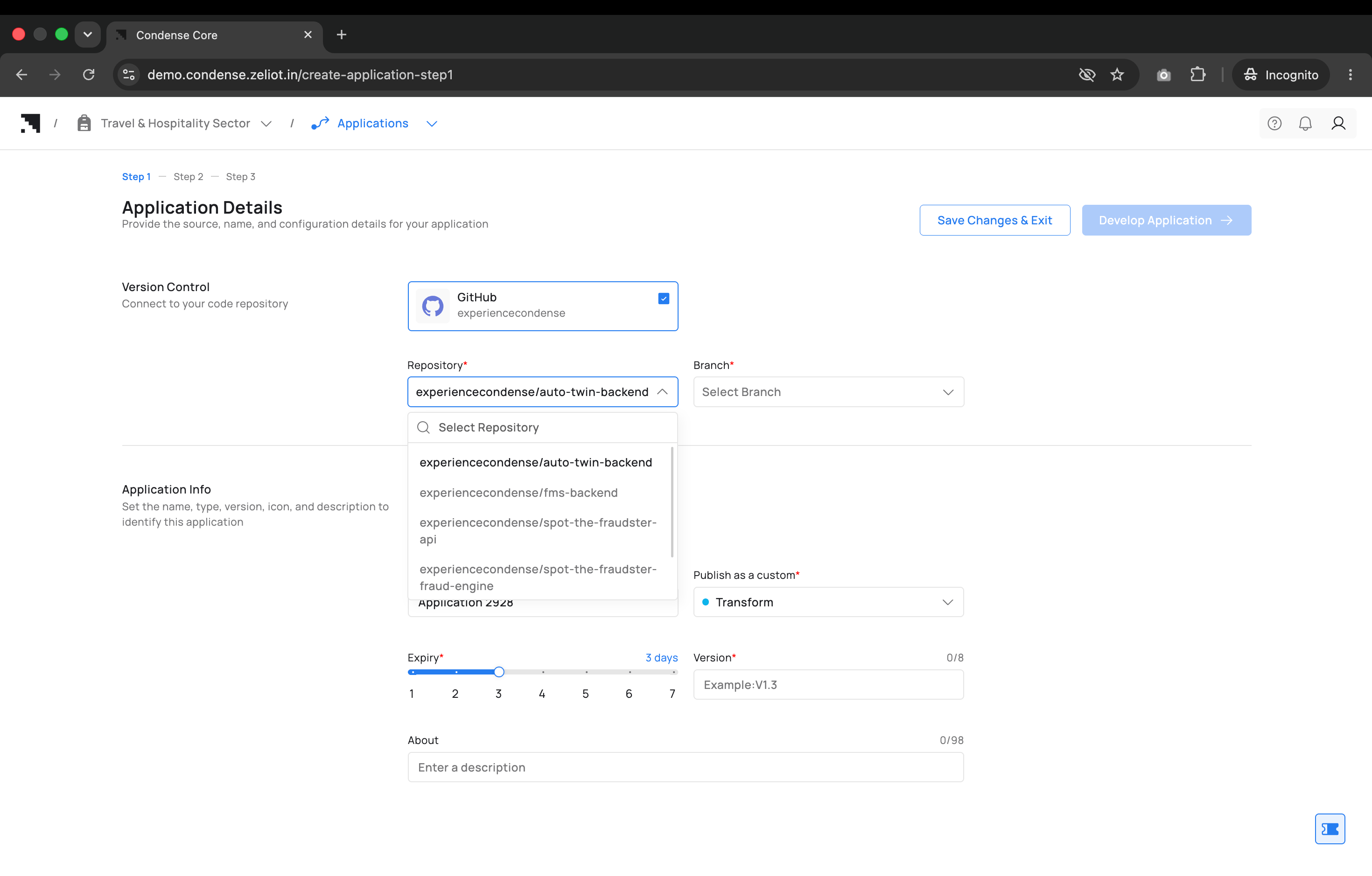
Applications extend Condense with custom business logic. They execute within streaming pipelines and enable developers to implement domain-specific processing using their own source code. The Product Tour allows you to experience the complete application development workflow. Applications let you develop custom components using source code stored in a Git repository. Open Applications to connect to one of the available GitHub repositories, select a branch, configure application details, and launch the integrated development environment. Edit source code, configure environment variables, build the application, test application behavior, and publish the application as a Transform, Input Connector, or Output Connector. The Product Tour includes access to the following sample repositories:experiencecondense/auto-twin-backendexperiencecondense/fms-backendexperiencecondense/spot-the-fraudster-apiexperiencecondense/spot-the-fraudster-fraud-engineexperiencecondense/spot-the-fraudster-utils
Note: Applications published during the Product Tour are available in the catalog as reusable components. Deploying published applications into a streaming pipeline is not available in the Product Tour. Complete the Condense Signup to deploy applications within your own pipelines.
Product Tour Capabilities
The Product Tour provides access to the core capabilities of Condense while preserving the integrity of the shared demonstration environment.Note: Restrictions apply only to deployment and administrative operations. All exploration and learning capabilities remain available throughout the Product Tour.
Continue by Signing up to Condense Free Trial
The Product Tour is designed to help you understand how Condense works. When you’re ready to build your own streaming applications, create a account by clicking upgrade and start working in your own dedicated environment. Successful Signup to the Condense lets you:- Create and manage workspaces for your projects.
- Build streaming pipelines using connectors, transforms, and applications.
- Connect your own Git repositories and develop custom applications.
- Publish applications and deploy pipelines.
- Configure connectors and transforms for your environments.
- Monitor workloads and manage streaming infrastructure.
- Collaborate with your team using role-based access control.