

Overview
A Connector in Condense is a configurable integration component that enables pipelines to communicate with external systems. Connectors handle protocol-level communication, authentication, data serialization/deserialization, and runtime data transfer between Condense and other platforms. Every connector is deployed within a workspace and operates within the scope of a pipeline. They can operate in two roles:- Input Connector: Ingests data into Condense for processing
- Output Connector: Delivers processed data from Condense to external systems
To understand how connectors function in practice, let’s look at each role in detail.
Connector Roles
Input Connectors
Components that receive data from an external system and inject it into a Condense pipeline. They are responsible for:- Establishing a session or subscription to the external source
- Consuming incoming records/messages
- Mapping them into a workspace’s processing schema
- Delivering them to the pipeline’s first processing stage
Output Connectors
Components that transmit processed pipeline data to an external target system. They are responsible for:- Accepting processed records/messages from the pipeline
- Applying any required serialization, transformation, or batching
- Sending them to the configured external system endpoint
Connector Categories
Condense classifies connectors by their integration mode (type of system they interface with) rather than only their role.1. Stream Connectors
Designed for high-throughput, low-latency streaming integrations with event-driven systems. Typical use cases:- Real-time ingestion from brokers, APIs, or event buses
- Continuous event publishing to downstream consumers
Currently Available Prebuilt Stream Connectors
InputApache Kafka, Google Cloud Pub/Sub, HTTP, HTTPS, Event Hub, IBM MQ, AWS Kinesis, Data SimulatorOutputApache Kafka, Google Cloud Pub/Sub, HTTP, HTTPS, Event Hub, Amazon SQS, ElasticSearch2. Store Connectors
Integrate with storage or database systems for persistence, analytics, and querying. Typical use cases:- Persisting processed events for long-term storage
- Writing results to analytical data warehouses
- Exporting transformed datasets to object storage
Currently Available Prebuilt Store Connectors
OutputAzure Blob Storage, BigQuery, Couchbase, Google Storage, Microsoft SQL Server, MongoDB, MySQL, PostgreSQL, Amazon S3, SFTP, Snowflake3. Industry Specific Connectors
Purpose-built for specialized data domains, these connectors encapsulate industry protocols, payload formats, and data models. Typical use cases:- Telematics & Fleet Management
- Industrial IoT
- Healthcare device telemetry
Currently available prebuilt industry-specific connectors
InputCondense Edge, iTriangle, Jimi Concox, Teltonika, Volvo Trucks4. Custom Connectors
Custom connectors are integration components developed using Condense inbuilt IDE as part of the Application development process, then published and deployed as connectors.- Can serve as input or output
- Can be stream or store integrations
- Fully customizable logic, protocol handling, and configuration schema
Connector Deployment Lifecycle
All connectors, whether pre-built or custom follow the same operational lifecycle in Condense:Selection
From the workspace Connectors catalogue, choose a pre-built connector or select a custom connector that has been published.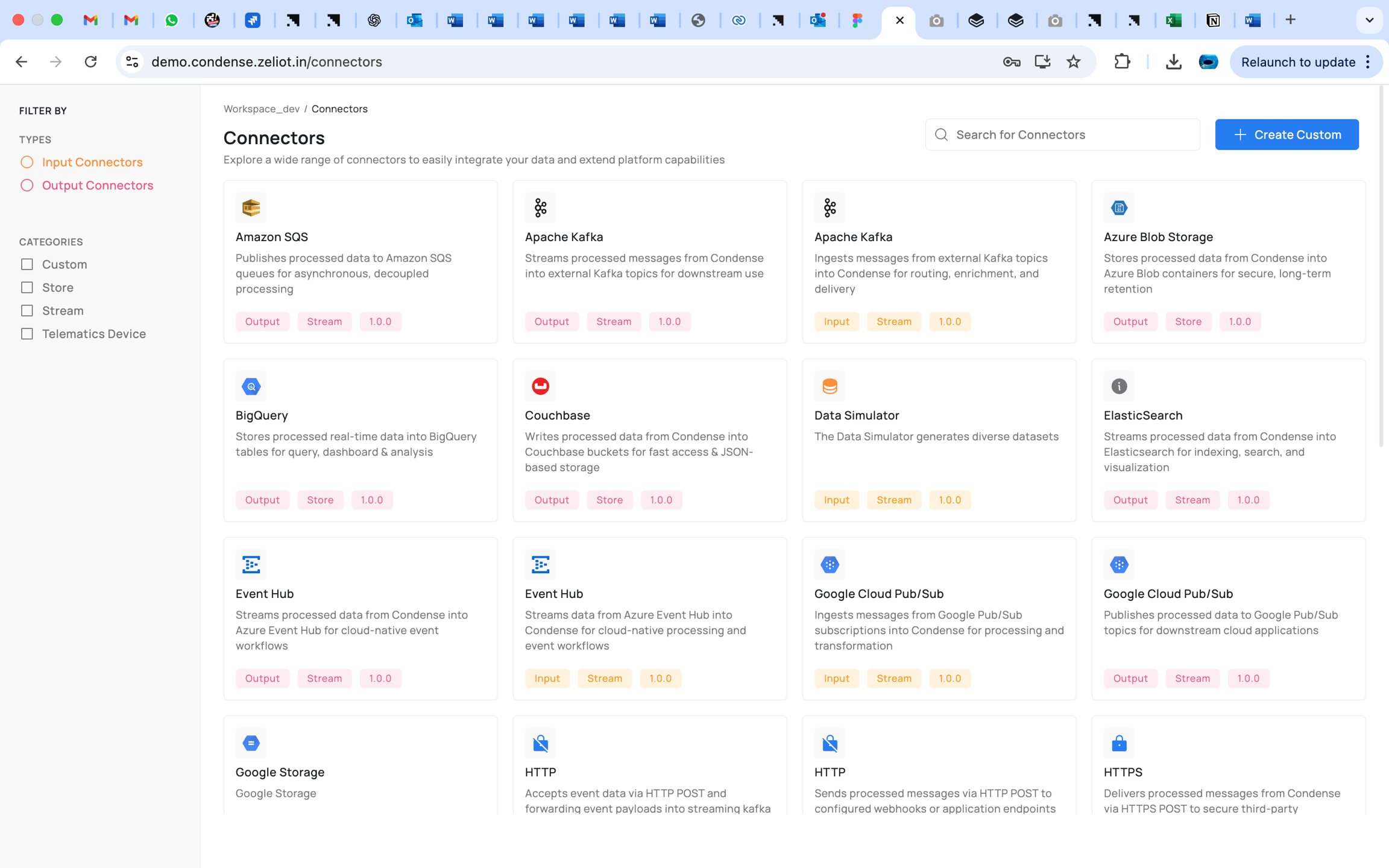
Configuration
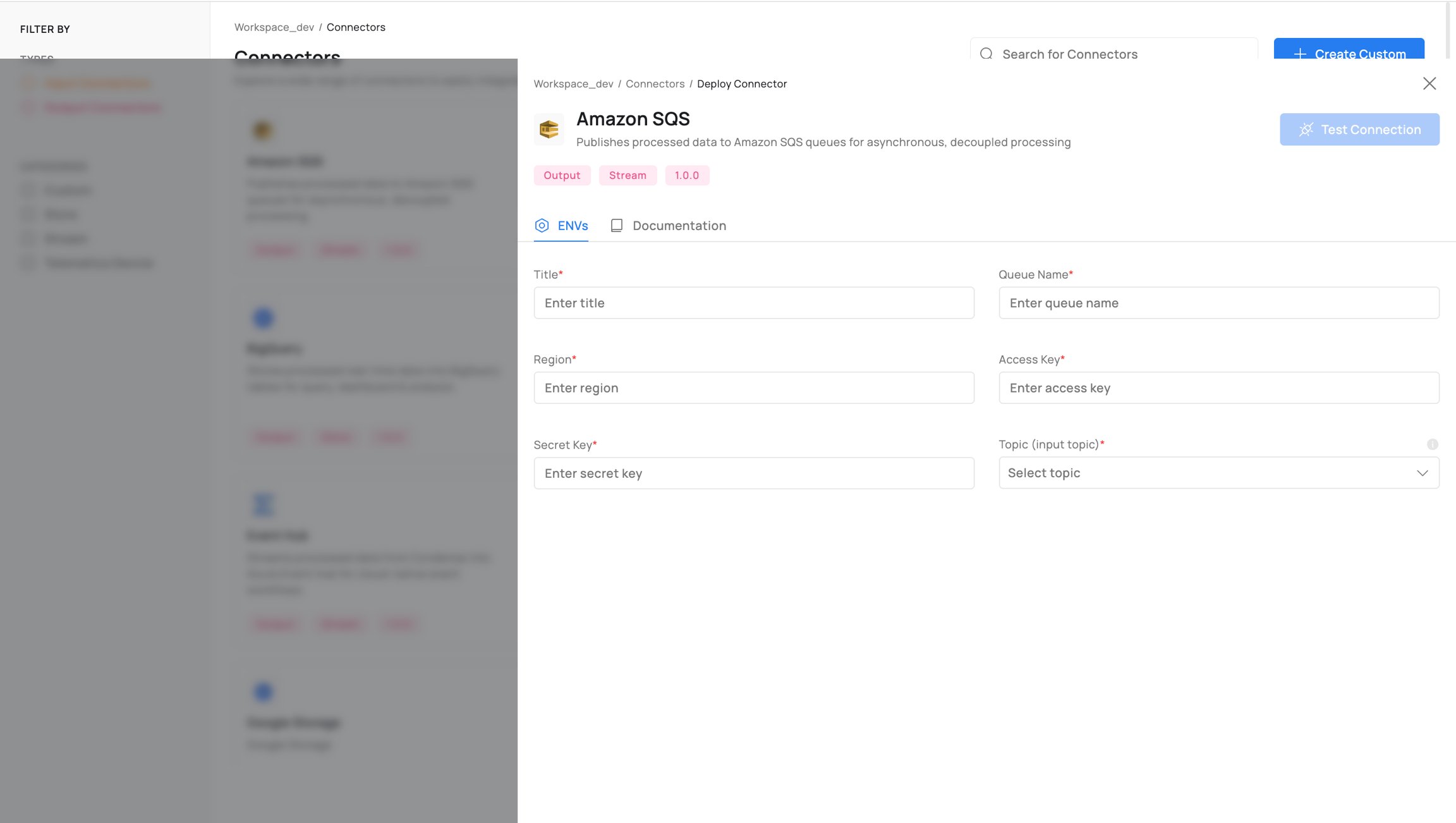
Each connector in Condense has its own set of required configuration fields, defined as environment variables (ENVs) in the deployment form. These parameters are specific to the connector type and determine how it connects, authenticates, and exchanges data with the external system.For example:
- Input Connectors may require source-specific fields such as API endpoints, authentication keys, subscription topics, polling intervals, or data format options.
- Output Connectors may require destination-specific fields such as queue or topic names, credentials, batching parameters, serialization formats, or endpoint URLs.
Association with Pipeline
Assign the connector to the appropriate stage in the pipeline (source stage for inputs, sink stage for outputs).Activation
The pipeline is started or redeployed, at which point the connector initializes its connection to the external system.Runtime Monitoring
View connection status, data throughput, error logs, and retry counts. Pre-built connectors include protocol-aware error reporting.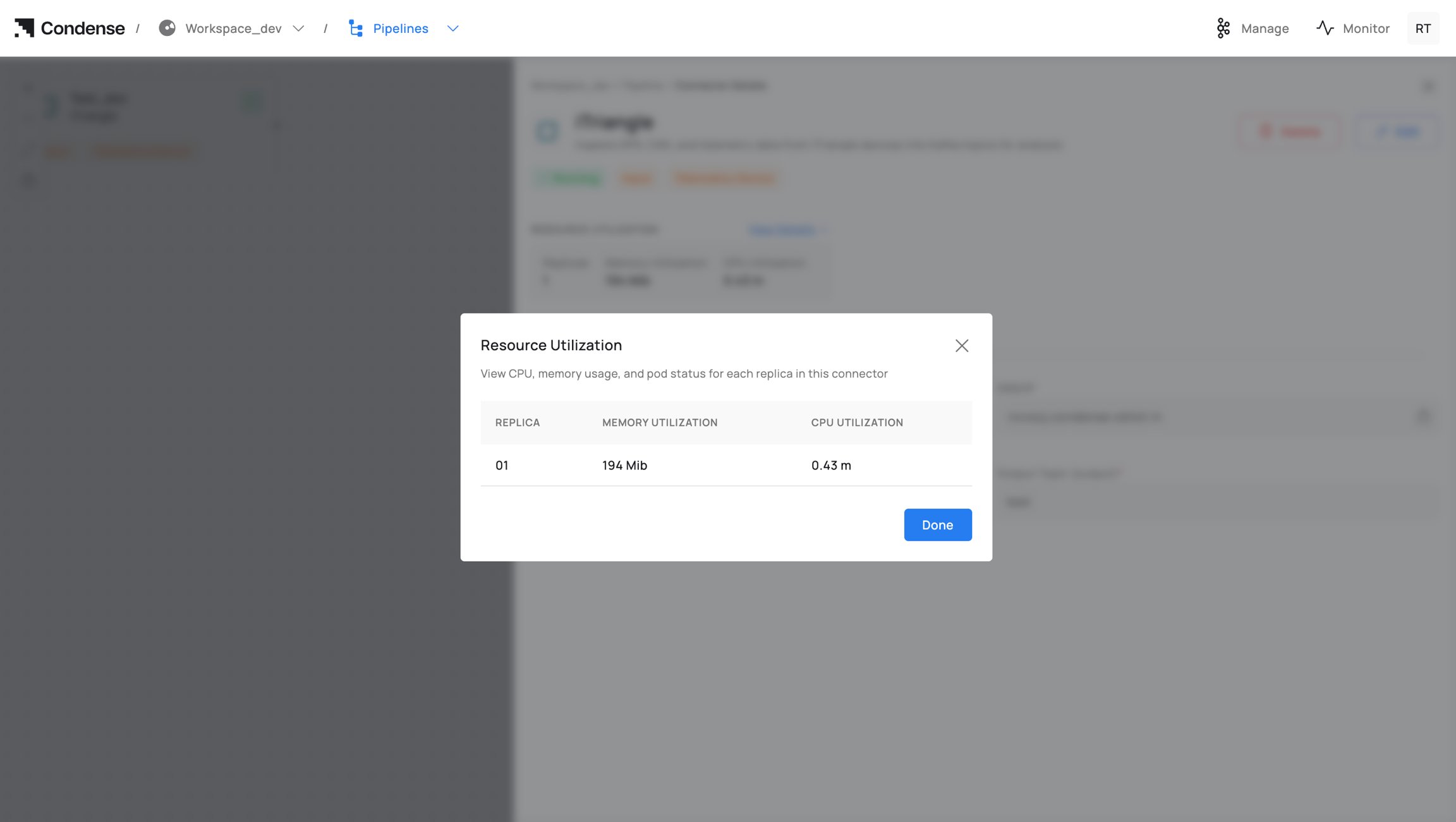
Configuration Updates
Supported fields can be updated without tearing down the pipeline, provided the connector type supports reconfiguration.Removal
Only Admins or Maintainers can remove a deployed connector from a pipeline.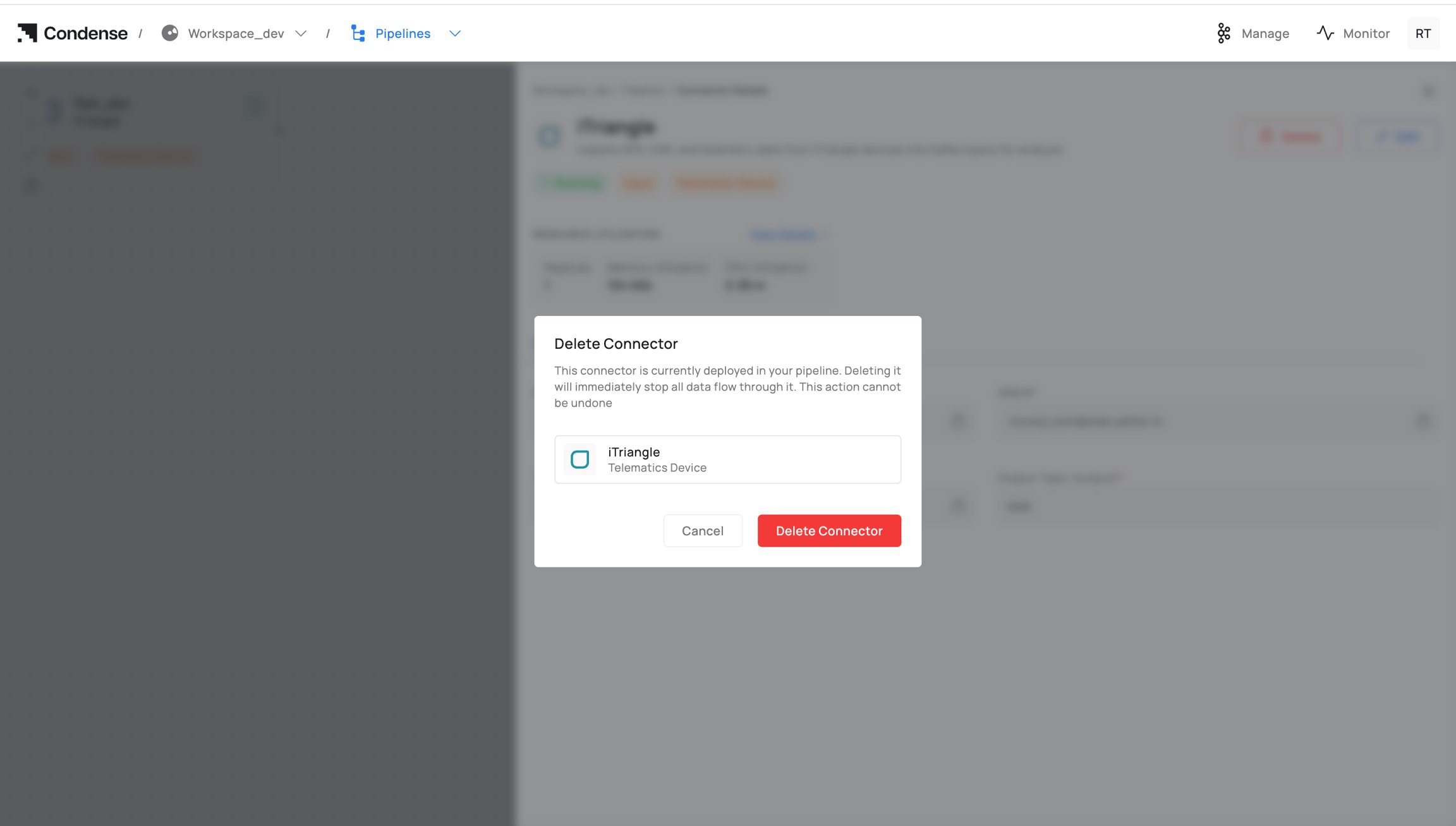
Roles & Permissions
Connector-related actions are restricted by workspace role.Monitoring Connectors
Monitoring is accessible from both the Pipeline view and the Connectors list in a workspace. Metrics include:- Connection State (connected, disconnected, error)
- Data Throughput (messages/sec, bytes/sec)
- Error Counters (by type)
- Retry Count & Interval
- Last Activity Timestamp
Best Practices
- Use pre-built connectors whenever available for tested, supported integration patterns.
- For custom connectors, maintain them in Git and tag production-ready releases.
- Clearly document all connector configurations for reproducibility.
- Apply the principle of least privilege in assigning connector management roles.
- Regularly review connector performance metrics to detect early issues.